Importing an existing connector
An existing connector can be added to a cohort by importing its connector definition as a JSON file. The definition contains the connector configuration, including its data-source settings, transformations, and schema mappings. Importing the definition avoids rebuilding this configuration manually.
The imported connector must be compatible with the schema selected for the cohort and with the data supplied when the connector is run.
Open the connector import
Open the relevant cohort and select Connector. From the connector overview, select Add Connector, then select Import connector.
Import the connector definition
- Keep From JSON selected as the import method.
- Select Upload JSON file and choose the connector definition
.jsonfile. You can also paste the connector JSON directly into the editor. - Review the connector definition displayed in the editor.
- Select Create to add the connector to the cohort.
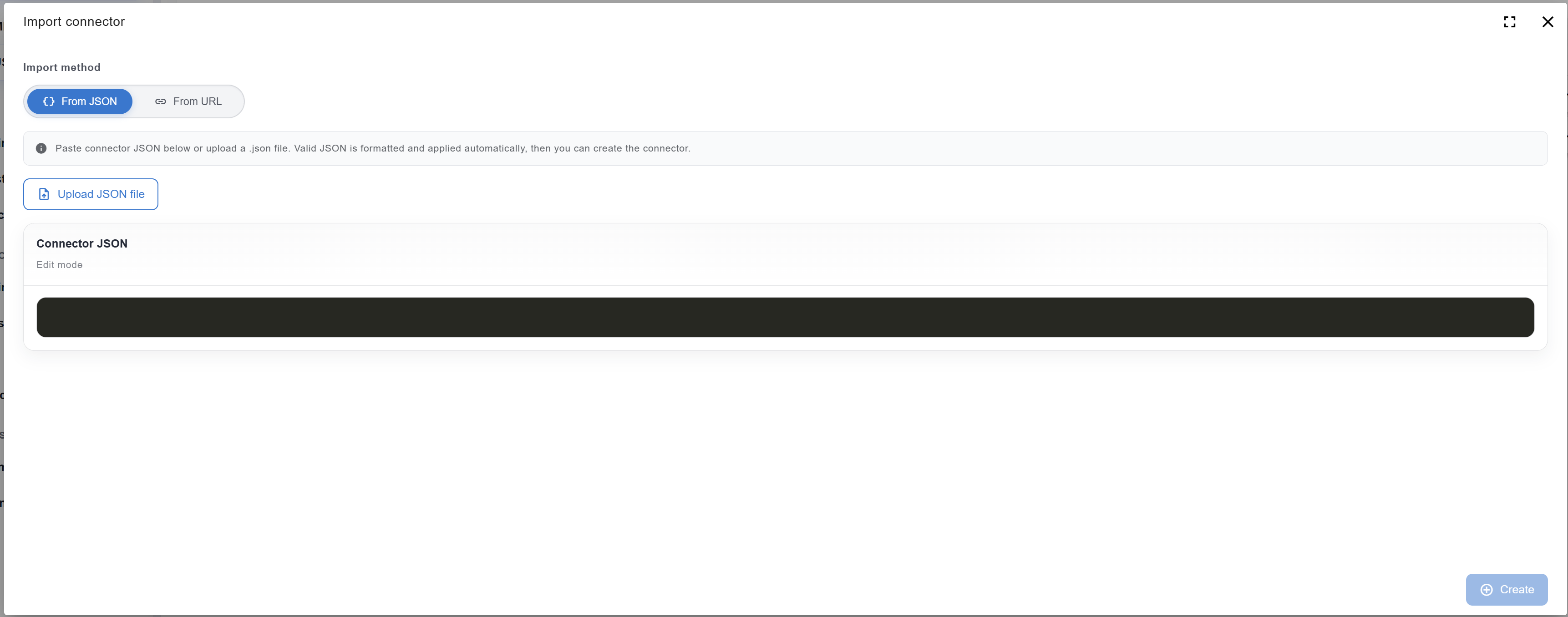
The connector configuration is created without importing patient data. To load or update records, run the connector as a separate data import operation.
For an overview of supported data sources and data import options, see Add data to a cohort.