Metrics requests
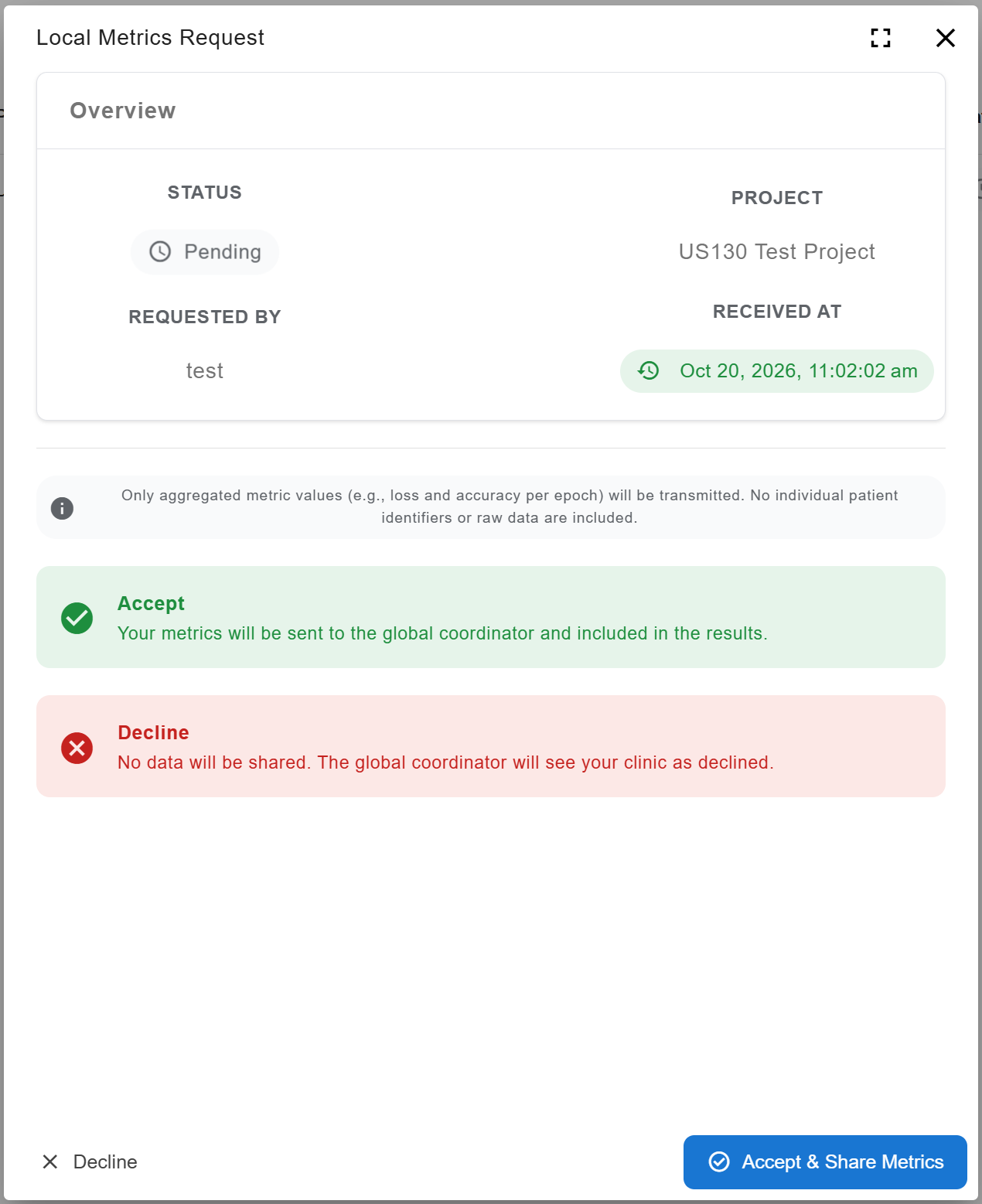
A metrics request asks your Client to calculate the local metrics of a completed federated learning training on its own data, for example loss and accuracy per epoch. Only the aggregated metric values are shared with the requester, never individual patient identifiers or raw data.
A metrics request can be submitted by:
- Any user, if the training's resulting Inference Tool is public.
- Only the user who created the training, otherwise.
Review a metrics request
- Open Requests → Metrics Requests. The page lists all metrics requests received by your Client.
- Select the request you want to review.
- Review the request details as described below.
- Select Accept & Share Metrics to approve the request, or Decline to reject it.
Request details
| Field | Description |
|---|---|
| Status | The current state of the request, for example Pending while it awaits a decision. |
| Project | The federated learning training the metrics are requested for. |
| Requested By | The user who submitted the request. |
| Received At | The date and time the request was received. |
Accept or decline
| Decision | Result |
|---|---|
| Accept & Share Metrics | Your Client's metrics are sent to the global coordinator and included in the results of the training. |
| Decline | No data is shared. The global coordinator sees your Client as declined. |
Automatic approval
Metrics requests can be approved automatically if a matching access permission sets Automatic metrics access for to All. See How permissions decide the outcome.